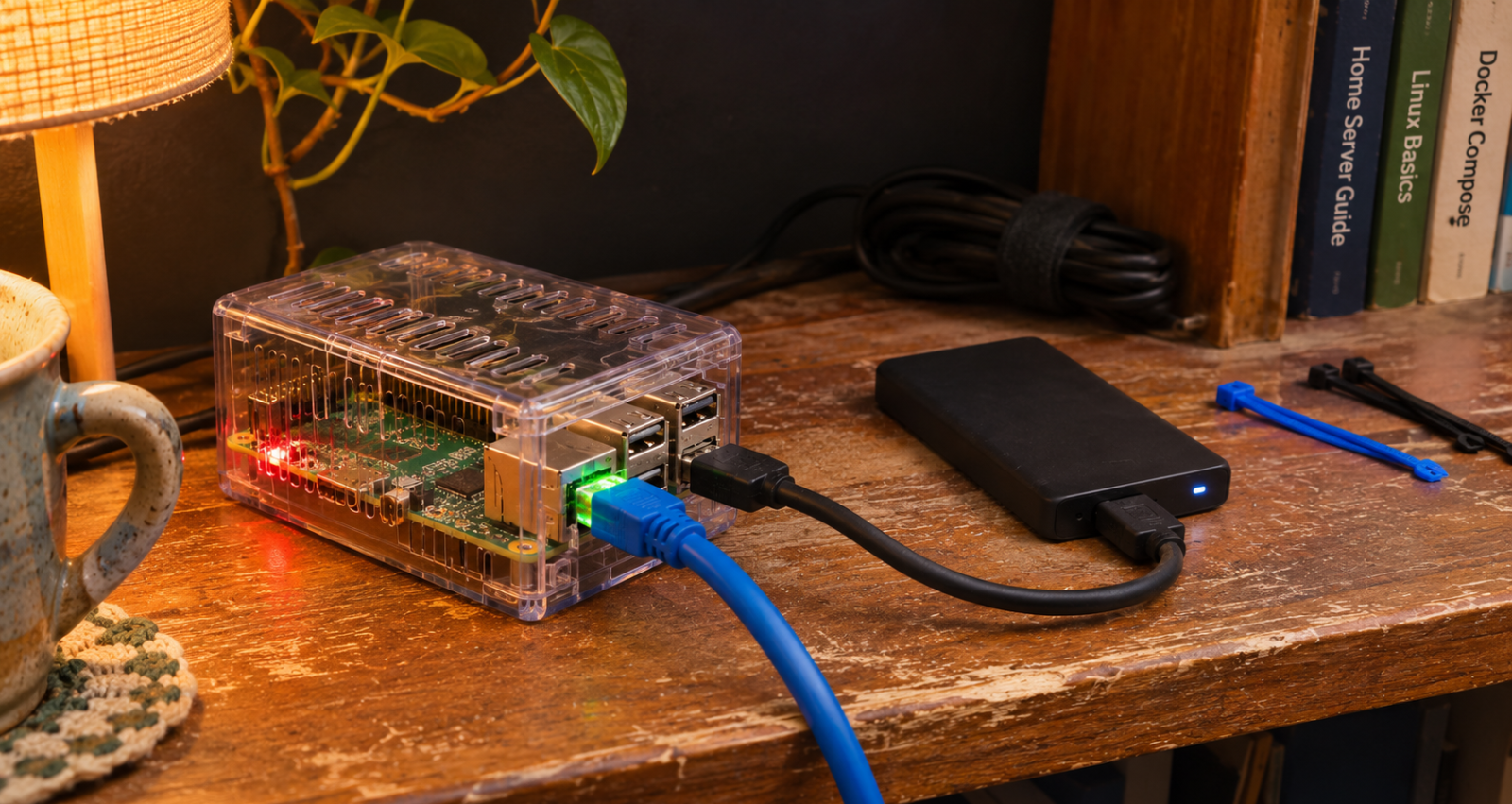
A database container on a Raspberry Pi home server has to get its password from somewhere. In Docker Compose the usual way is an environment variable, often kept in a .env file next to compose.yaml. That raises a question for anyone running such a stack: is the password really exposed there, or is the warning against it folklore? Compose has another way to hand over a password, as a mounted file, and it works without Swarm. Whether the switch is worth giving up the convenience depends on three things: what an environment variable actually exposes, where a file secret ends up on the Pi's disk, and which images can read one.
Are environment variables really unsafe, or is that folklore?
The reason Docker gives is unintentional exposure. Its guide to using secrets in Compose says that a password or API key injected as an environment variable can leak without anyone meaning it to. One place it names is the logs written while you debug.
OWASP reaches the same verdict from a different direction. Environment variables are generally open to every process and can end up in logs or system dumps, and its Secrets Management Cheat Sheet concludes: "Using environment variables is therefore not recommended unless the other methods are not possible." On a Pi running Docker Compose, another method comes built in.
The plainest leak on a home server doesn't need a dump. docker inspect prints a container's full configuration, environment included, so the database password shows up there in plain text for anyone who can talk to the Docker daemon on the Pi. That means root and every account in the docker group, along with any container that has been given the Docker socket.
Wiz's container security guidance adds process listings to the places a variable shows up, and its advice is short: "Prefer file-based mounts to plain environment variables." A file secret changes the route the password takes. The container receives it as a file that the program inside opens, so the value is not an environment variable value in docker inspect or in the container logs. Docker and OWASP both document the risk, Compose already includes the fix, and file-based secrets are the right default on a Pi home server, with one condition covered further down: on a single machine each secret is an ordinary file on the Pi's disk, and locking that file down is your job.
A .env file moves the password, but the container still gets a variable
The .env file feels like the fix because the password no longer sits in compose.yaml. Compose uses such a file in two ways. It can fill ${VARIABLE} placeholders in the Compose file, or the env_file attribute can load its values straight into a service. Either way, inside the container the password ends up as an ordinary environment variable and carries every exposure from the section above. The warning against passwords in variables applies to values loaded through env_file just as much as to values typed under environment.
The separate file also adds a second way to lose the password. If you push your home-server folder to a git repository for backup or sharing, the .env file goes with it unless .gitignore excludes it, and a password that lands in a commit stays in the repository's history even after the file is deleted. A secrets folder carries the same risk, so git doesn't separate the two methods. The difference shows up at runtime.

How Compose mounts file secrets and the permissions to set
In Compose you declare secrets in a top-level secrets block. The Compose specification allows three sources: a file on the host, an environment variable on the host, or an external secret that already exists. Each service then lists the secrets it should receive, and Compose mounts each one as a file at /run/secrets/<secret_name> inside the container, on Linux containers only. The secret is mounted as a file rather than set as an environment variable value, so docker inspect does not show it as one. An application that reads the file can still write its contents to a log of its own, so the protection covers the environment and nothing past it.
Swarm keeps its secrets in an in-memory filesystem. Local file-backed Compose secrets are different: they are bind-mounted from the host, as a OneUptime walkthrough of Compose secrets explains. The uid, gid and mode options, which would otherwise set the owner and permissions of the mounted file, are ignored for local file secrets. The file has the same permissions inside the container that it has on the Pi's SD card or SSD.
That puts the permissions on the host, and they belong in place before the stack first starts. The walkthrough suggests chmod 600 secrets/*.txt for the secret files and chmod 700 secrets/ for the folder that holds them.
A file secret still leaves the password in plain text on the Pi's disk, where root or anyone with access to the Docker daemon can read it. What changes is that the password sits in one file with permissions you control, outside the container's environment variables. On a home server that makes file secrets the better choice, provided the permissions actually get set.
Which images read the _FILE convention?
A secret file only helps if the program in the container knows to read it. The official database images handle this with a naming convention: you add _FILE to a supported variable, point it at the path under /run/secrets, and the image loads the value from that file. The postgres image on Docker Hub supports this for four variables only: POSTGRES_INITDB_ARGS, POSTGRES_PASSWORD, POSTGRES_USER and POSTGRES_DB. The mysql image supports five: MYSQL_ROOT_PASSWORD, MYSQL_ROOT_HOST, MYSQL_DATABASE, MYSQL_USER and MYSQL_PASSWORD. The mariadb image lets you add _FILE to its listed environment variables as an alternative to setting them directly.
Pi-hole works differently. In a Pi-hole forum thread on secrets support in Compose, project staff said that in v6 WEBPASSWORD_FILE takes only the secret's name because the /run/secrets/ prefix is implied, and that this worked in Compose. A user in the same thread said the variable had been dropped from v6 and brought back more than once during the beta, so check the documentation for the Pi-hole release you actually run.
For postgres, a minimal setup built from the documented syntax looks like this, with the password file in a secrets folder next to compose.yaml:

services:
  db:
    image: postgres
    environment:
      POSTGRES_PASSWORD_FILE: /run/secrets/db_password
    secrets:
      - db_password

secrets:
  db_password:
    file: ./secrets/db_password.txt
What goes wrong with Compose secrets
In the short-form setup shown above, the secret's name has to match everywhere it appears. There, db_password is the top-level secret, an entry in the service's secrets list and the last part of the _FILE path. A secret declared at the top but missing from the service's list is never mounted. A _FILE path that doesn't match the mounted name sends the image looking for a file that isn't there. Pi-hole needs extra care here, because its variable takes the bare name where postgres takes the full path.
Adding _FILE to a variable the image doesn't support loads nothing, since postgres accepts the suffix only on its four variables and mysql only on its five. Moving an existing database to a secret has its own catch: the postgres image's Docker-specific variables only take effect when the container starts with an empty data directory, and a pre-existing database is left untouched on startup, so pointing POSTGRES_PASSWORD_FILE at a new file does not change the password a database on the Pi already uses. The secrets folder also needs its own line in .gitignore, secrets/, added before the first commit, because secret files should never go into git.
Marking a secret external fails on a Pi with nothing else set up. Compose never creates an external secret. The specification says the secret must already exist, and if it doesn't, Compose stops with an error. On a single Pi without Swarm, the file source is the one that needs nothing else in place, although it doesn't come with Swarm's in-memory storage, because a local file secret stays bound to the file on disk.
If you build your own images on the Pi, OWASP's Docker security guidance says secrets should never be hardcoded with ENV or ARG instructions. For a secret that a build step needs, a BuildKit secret mount is available only during the RUN step that uses it.
Is a secrets manager worth running on a Pi?
OWASP's preferred pattern goes one step past files. The application fetches its secrets at runtime from a secret manager, which avoids exposing them through the filesystem or through Docker's environment variables.
Runtime fetching is the cleaner design. But if every container on the board starts from a Compose stack, the built-in file secrets already handle the exposure that Docker and OWASP warn about, the one that comes from environment variables, and they need nothing beyond Compose itself. The case for a manager rests on reach: Wiz notes that Docker's built-in secrets work only with Swarm services and Compose stacks, so containers set up any other way need other tools.
Switching to file secrets gives up the convenience of a single .env file that holds everything and gains passwords that docker inspect no longer shows as environment variable values, while who can read the secret files on the Pi stays your job, with chmod 600 on the files and chmod 700 on the folder as the OneUptime walkthrough suggests.

From Cebu City, Rhea Manalo tracks which old games run well on Raspberry Pi boards.
15 articles →